
The 'Ghosting' Fix: Why Your Flash Photos Are Still Blurry (and How to Fix It)
There is a particular kind of frustration that settles in when you’re looking at the back of your camera during a studio session. You’ve set up your lights, your model is performing beautifully, and on that small LCD screen, everything looks sharp. But then you zoom in: or worse, you wait until you’re back at your editing desk: and you see it.
The eyes are sharp, but there’s a strange, hazy "echo" behind the head. A hand is frozen in mid-air, yet a faint, translucent trail of that same hand follows it like a phantom.
In the industry, we call this ghosting.
It’s one of those technical hurdles that often leaves photographers scratching their heads, especially those transitioning from natural light to studio strobes. It feels counterintuitive: "If my flash is supposed to freeze motion, why is my subject still blurry?"
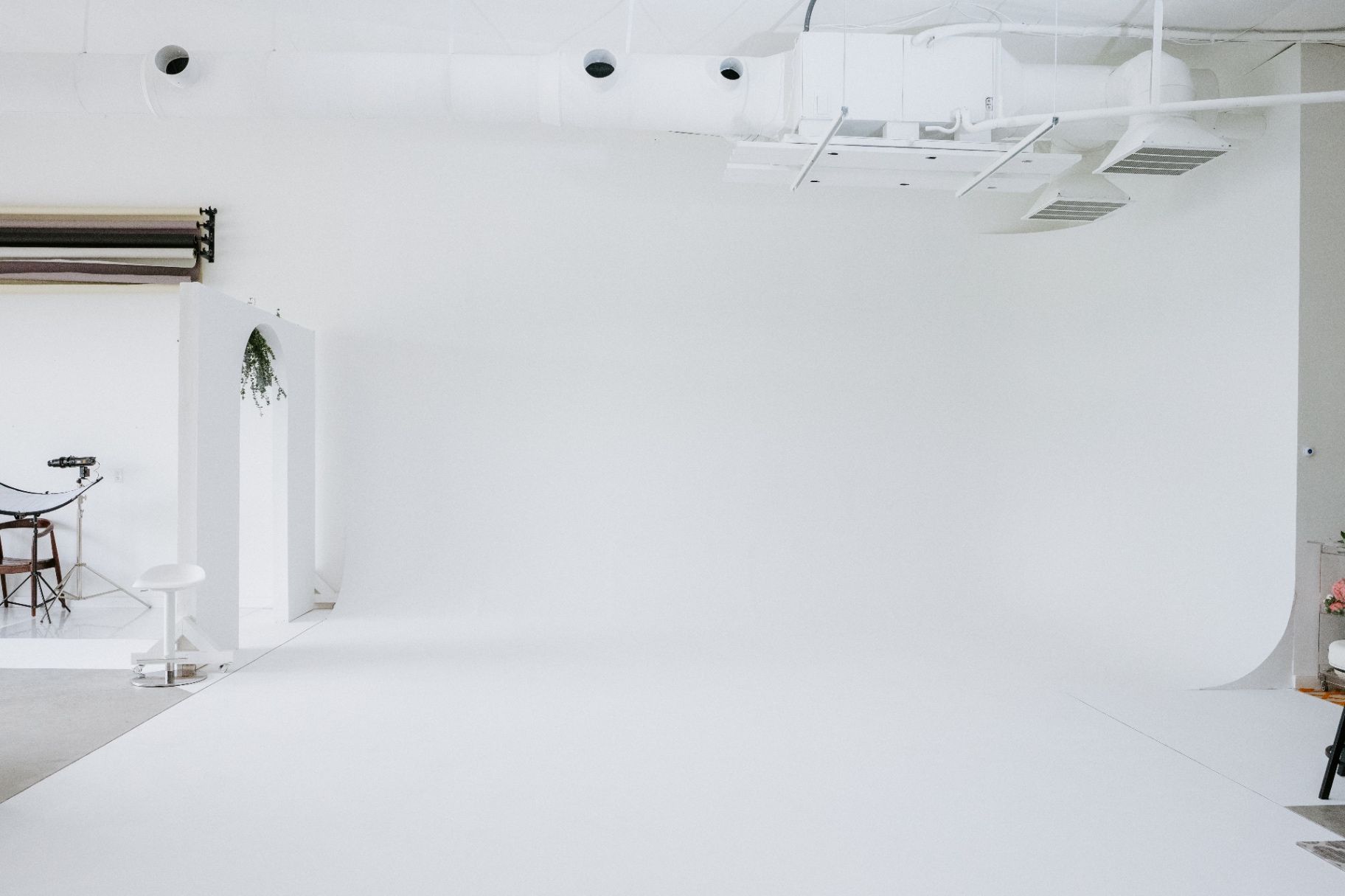
At Von Creative, we see our studio as a laboratory for growth. Whether you’re shooting on our 22-foot cyclorama wall or experimenting with our pre-designed sets, understanding the physics of light is what separates a "good" shot from a professional, high-end masterpiece. Today, we’re diving deep into the technical weeds to fix the ghost once and for all.
Understanding the Two Exposures
The biggest shift in mindset when walking into a studio like ours is realizing that every photo you take is actually two exposures happening at the exact same time.
The Ambient Exposure: This is the light that exists in the room: the overhead lights, the sun coming through the windows, or even the modeling lamps on your strobes. This light is controlled by your Shutter Speed, Aperture, and ISO.
The Flash Exposure: This is the burst of light from your strobes. This light is controlled only by your Aperture, ISO, and the power setting of the flash itself.
Ghosting happens when these two exposures don't agree. Your flash fires and freezes the subject (Exposure 1), but your shutter stays open long enough to record the subject moving in the ambient light (Exposure 2). The result is a sharp "flash" image with a blurry "ambient" trail superimposed over it.
Shutter Speed vs. Flash Duration: The Great Distraction
In the world of natural light, we are taught that Shutter Speed freezes motion. If you want to capture a bird in flight, you crank it up to 1/2000.
But in the studio, shutter speed is almost irrelevant for freezing motion.
Instead, the "shutter" is actually the flash itself. Most studio strobes have a "flash duration": the actual length of time the bulb is emitting light: that is significantly faster than your camera's shutter. When the room is dark, the only time the sensor "sees" the subject is during that split-second burst.
The Technical Trap: t.1 vs t.5
If you’ve ever looked at the spec sheet for a flash, you’ve likely seen these terms. They might seem like nerdy data points, but they are the secret to crisp hair flips and water splashes.
t.5: This is how long it takes for 50% of the flash's light to dissipate. Most manufacturers use this because the numbers look faster and more impressive.
t.1: This is the time it takes for 90% of the light to dissipate. This is the "real" duration you should care about.
If your t.1 time is too slow, even your flash will produce blur. This is why we provide professional-grade gear at Von Creative. Our Godox AD200 strobes are known for having impressively short flash durations, allowing you to freeze movement with surgical precision.

Breaking the Sync Speed Barrier with HSS
One of the most common reasons photographers experience ghosting is that they are "trapped" by their camera's Sync Speed (usually around 1/200 or 1/250). If you try to go faster, you get that dreaded black bar across your photo.
If you’re shooting in a space with lots of ambient light and you can’t lower your shutter speed without overexposing the room, you need High-Speed Sync (HSS).
HSS allows your camera to talk to the flash in a way that lets you use shutter speeds up to 1/8000. By cranking your shutter speed high, you effectively "kill the ambient" light, ensuring that the only thing your sensor sees is the flash's frozen moment.
We provide Godox XPro triggers for Nikon, Canon, and Sony users specifically so you can utilize HSS without needing to bring your own specialized equipment.
How to "Kill the Ambient" at Von Creative
If you want to ensure zero ghosting and total control over your shadows, you have to eliminate the light you didn't bring with you. Here is the step-by-step workflow we recommend when you arrive at our Richlands studio:
Turn off the house lights: We have beautiful, functional lighting for setting up, but when it’s time to shoot, turn them off.
Use the blackout options: While we love the soft natural light our space offers, we have heavy curtains to help you control the environment. Closing these is the first step toward a "clean" strobe exposure.
Take a test shot without your flash: Turn your strobes off and take a photo with your intended settings (e.g., 1/160, f/8, ISO 100). The resulting image should be completely black. If you can see anything in that photo, you have ambient light leaking in, and that light is what causes ghosting.
Turn your flash back on: Now, any light in the photo is coming purely from your strobes. Since the flash duration is likely 1/2000 or faster, your subject will be tack-sharp, no matter how fast they move.

A Note on the "Creative Ghost"
Of course, rules are meant to be broken. Once you understand how ghosting works, you can use it as a creative tool. By intentionally slowing your shutter speed (maybe down to 1/15 or 1/30) while using a flash, you can create "shutter drag" photos: where your subject is sharp but surrounded by a beautiful, painterly blur of motion. It’s a favorite for editorial work and fashion.
If you’re interested in mastering these more advanced techniques, we often host industry-led events like the Portrait Lighting Workshop with John Chandler, where we dive deep into setups just like this.
Recap: The Checklist for Sharpness
Identify the Ghost: If you see a blur trail behind a sharp subject, it’s ambient light leaking into your exposure.
Shutter Controls Ambient: Use a faster shutter speed (up to your sync limit) to darken the room's natural light.
Flash Freezes Motion: Rely on the short duration of the flash, not the shutter, to stop movement.
Kill the Ambient: Take a test shot with the flash off; if it’s not pitch black, adjust your settings until it is.
Use HSS: If you need a very fast shutter speed to block out sun, use our Godox HSS-compatible triggers.
Mind the t.1: For extreme motion (water, jumping), keep your flash power lower to achieve a faster flash duration.
Mastering the technical side of the studio doesn't have to be intimidating. It’s simply about understanding which "knob" controls which part of the light. Once you banish the ghost, you gain the freedom to focus on what really matters: the connection with your subject and the story you’re trying to tell.
Ready to test your settings?
Whether you're looking to freeze high-fashion movement on our 40-foot shooting floor or want to experiment with creative shutter drag in a professional setting, Von Creative is designed to be your playground.
Book your next session here and take advantage of our full suite of Godox lighting and blackout amenities. We can't wait to see what you create.